
Single-Sign On integrations expire on a regular basis. These are tracked in Teamhood in the Infrastructure Project under Maintenance. If the password is allowed to expire, users for that integration will no longer be able to log in.
In order to renew an integration, you must contact the appropriate person for that integration. They will generate a new secret and use their preferred method to securely share it. Once you have the new secret, you will need to update the Auth0 configuration for that integration.
Log on to https://auth0.com/
If necessary, switch to the insightsplus tenant.
Switching Tenants
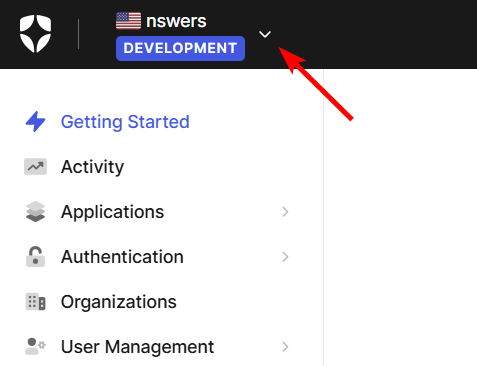
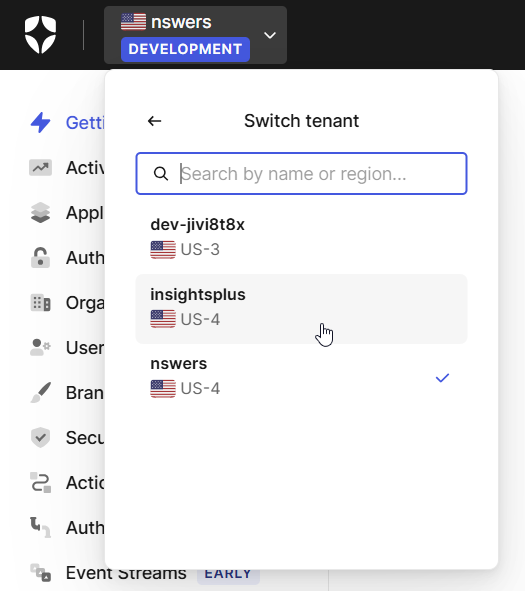
Click on the Tenant Selector in the upper left, click on Switch tenant and then select insightsplus (or whichever tenant holds the integration). insightsplus is our PRODUCTION tenant, and nswers is for staging/development.

In the left hand navigation menu, click on Authentication, and then Enterprise. In the Enterprise Connections page, you will choose the type of connection that the SSO integration uses.
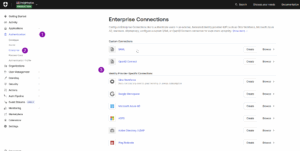
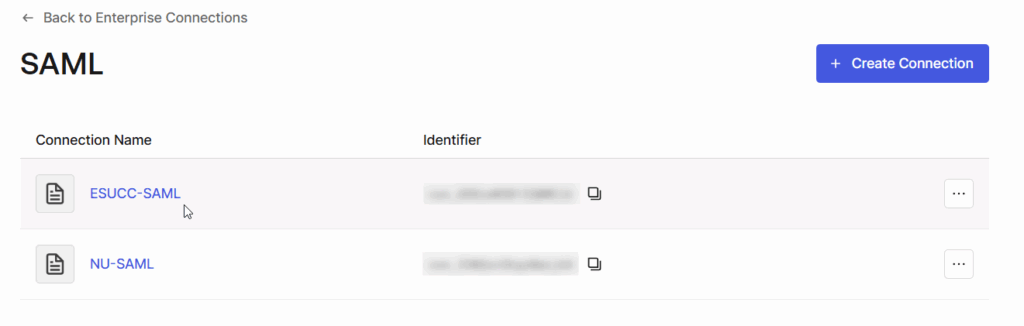
Click on the technology used by the SSO integration and then the select the SSO integration itself.
SSO Partner Reference
| Organization | Type | Name | Notes |
|---|---|---|---|
| CCC | Azure AD | CCC-AD | |
| CSC | Azure AD | CSC-AD | |
| DPL | Azure AD | DPL-Azure | |
| ESUCC | SAML | ESUCC-SAML | NDE & K-12 Users |
| MCC | OKTA | MCC-OKTA | |
| MPCC | Azure AD | MPCC-AD | |
| NCC | Azure AD | NCC-AD | |
| NSCS | Azure AD | NSCS | System Users |
| NU | SAML | NU-SAML | All Campuses |
| PSC | Azure AD | PSC-AD | |
| SCC | Azure AD | SCC-AD | |
| UNL | Azure AD | UNL-Azure | Should use NU-SAML |
| WNCC | Azure AD | WNCC-AD | |
| WSC | Azure AD | WSC-AD |

In the page that loads, click on the pencil icon to the right of the Client Secret input box.
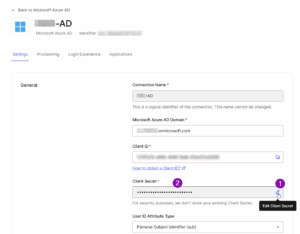
Paste in the new secret.
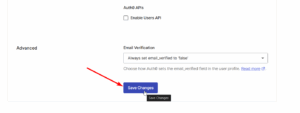
Click on Save Changes at the bottom.
Leave a Reply